Redeeming Store Credit: Cart Page Toggle
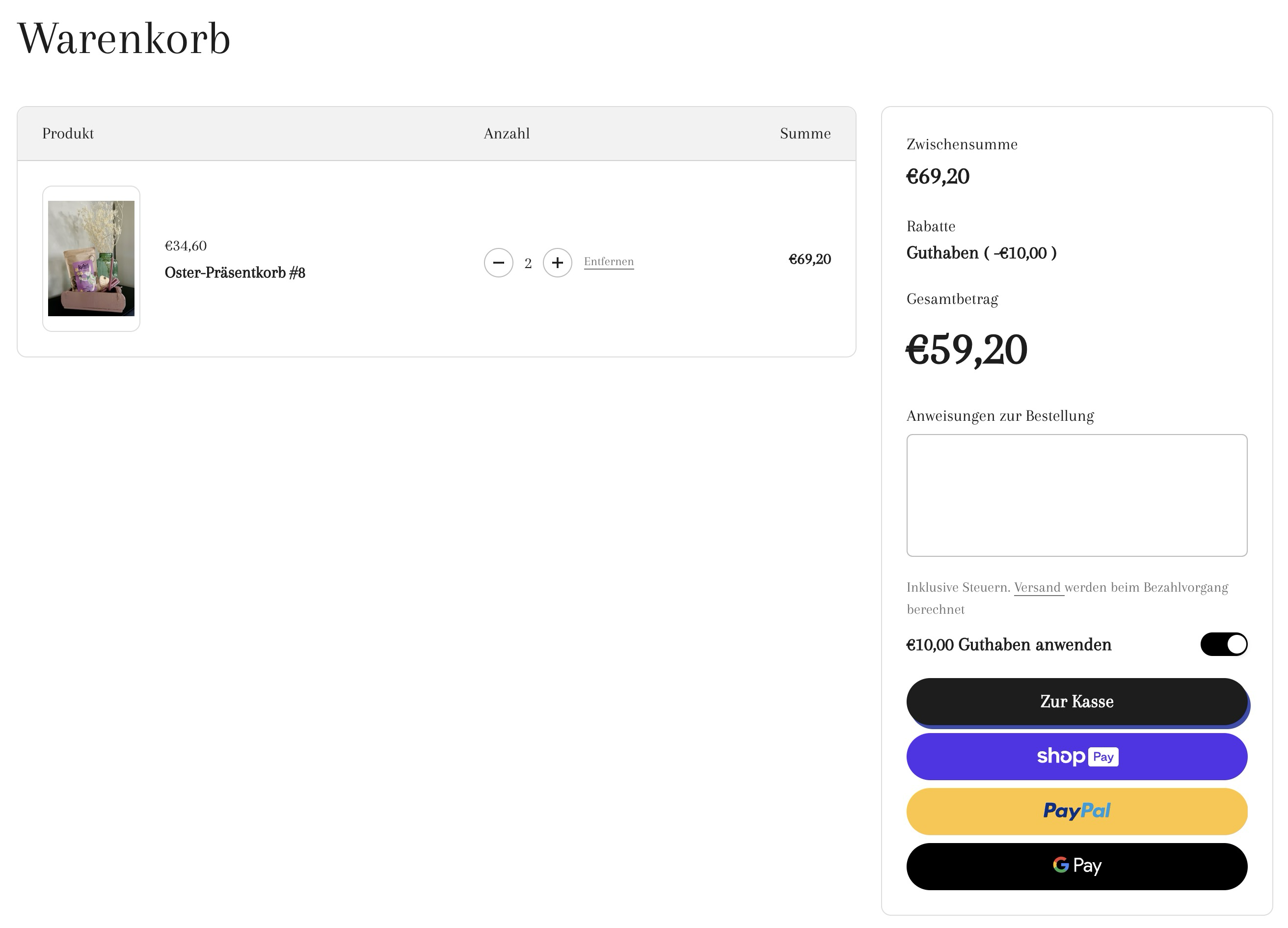
Adding a Store Credit toggle to the cart page is in some ways easier than adding a Store Credit toggle to the cart drawer.
Unlike when adding the Store Credit toggle to the cart drawer, you don't need to search and listen for a cart:updated event. You can simply call window.location.reload(); to refresh the cart page.
Step 1:
Create a new snippet snippets/memberr-sc-toggle.liquid.
Standard:
Show Code
_31<style>_31 .memberr-sc-toggle-wrapper {_31 display: flex;_31 align-items: center;_31 justify-content: space-between;_31 }_31</style>_31_31<memberr-if-has-store-credit style="width: 100%;">_31 <div class="memberr-sc-toggle-wrapper">_31 <span>_31 <memberr-current-store-credit-balance></memberr-current-store-credit-balance>_31 <memberr-store-credit-name></memberr-store-credit-name> anwenden_31 </span>_31 <memberr-store-credit-toggle_31 active-color="#000000"_31 height="24"_31 width="48"_31 initial-state="{% if cart.attributes.memberr_apply_store_credit == 'Yes' %}true{% else %}false{% endif %}"_31 style="height: 24px;"_31 ></memberr-store-credit-toggle>_31 </div>_31</memberr-if-has-store-credit>_31_31<script>_31 document.addEventListener('memberr-toggle:change', () => {_31 window.location.reload();_31 }, {_31 bubbles: true_31 });_31</script>
With internationalization:
Show Code
_22<memberr-if-has-store-credit style="width: 100%;">_22 <div class="flex items-center justify-between w-full text-sm" style="gap: .5rem;">_22 <p>_22 {{- 'memberr.apply_store_credit_html' | t -}}_22 </p>_22 <memberr-store-credit-toggle_22 active-color="#000000"_22 height="24"_22 width="48"_22 initial-state="{% if cart.attributes.memberr_apply_store_credit == 'Yes' %}true{% else %}false{% endif %}"_22 style="height: 24px;"_22 ></memberr-store-credit-toggle>_22 </div>_22</memberr-if-has-store-credit>_22_22<script>_22 document.addEventListener('memberr-toggle:change', () => {_22 window.location.reload();_22 }, {_22 bubbles: true_22 });_22</script>
Add the following translations to your translation files usually located at locales/en.default.json
en.default.json example:
_10(...)_10_10"memberr": {_10 "apply_store_credit_html": "Apply <memberr-current-store-credit-balance></memberr-current-store-credit-balance> <memberr-store-credit-name></memberr-store-credit-name>"_10},_10_10(...)
de.json example:
_10(...)_10_10"memberr": {_10 "apply_store_credit_html": "<memberr-current-store-credit-balance></memberr-current-store-credit-balance> <memberr-store-credit-name></memberr-store-credit-name> einlösen"_10},_10_10(...)
Make sure to add this to all of your language files.
Step 2:
Locate the file in your theme that contains the code for your cart drawer and add the following liquid code to render the store credit toggle:
_10{%- render 'memberr-sc-toggle' -%}
Note that the toggle will only be shown if you as the customer have Store Credit and Store Credit is enabled in the memberr settings.
Step 3:
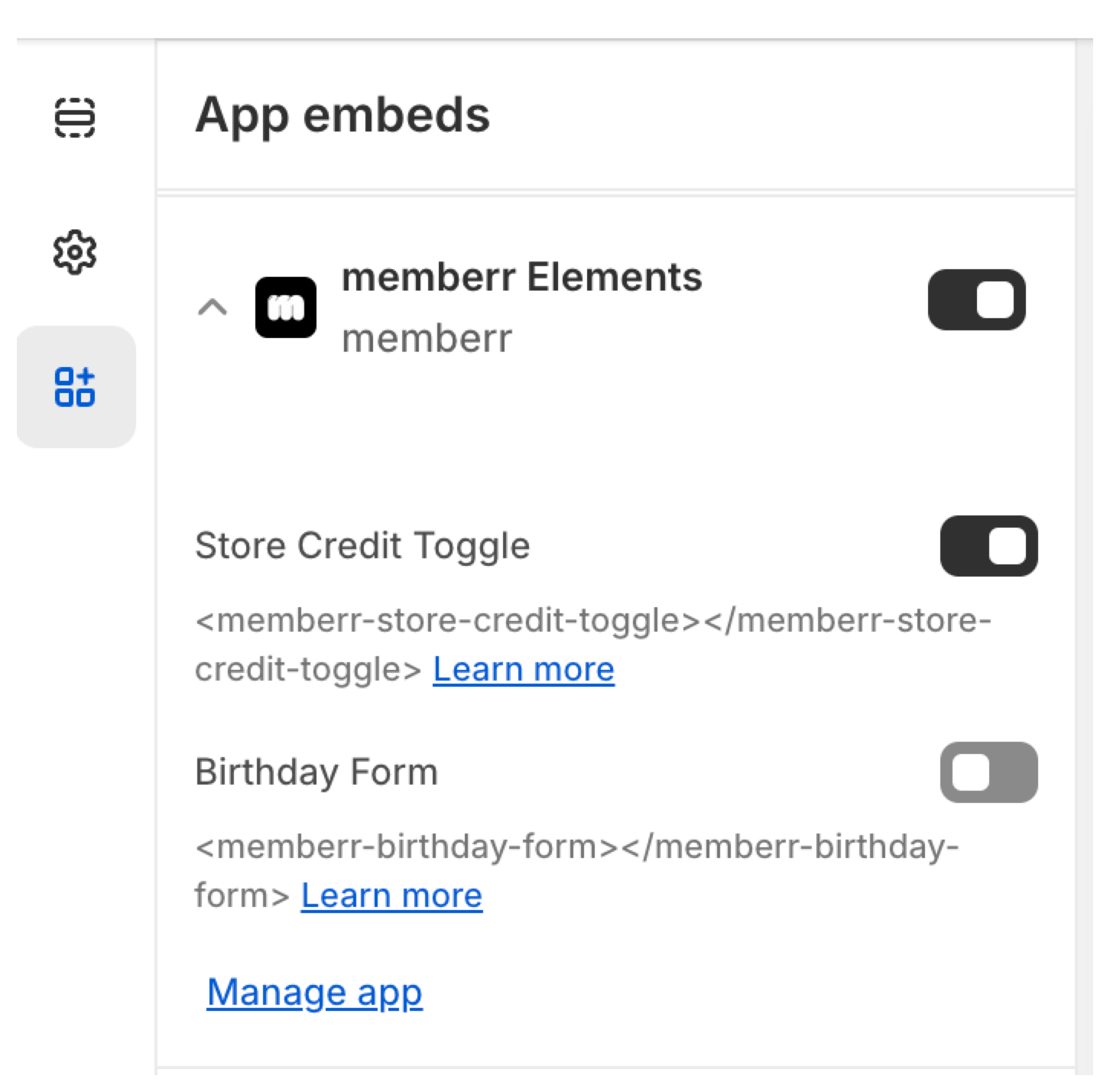
Activate memberr elements in your Theme Settings: